Turn your story into professional manga

Tell Meera your idea. She builds your characters, storyboards your chapter, and draws it, lettered and ready to read.

You create on a computer and read anywhere. Drawing uses credits, from $5.

Made with Manga Meera
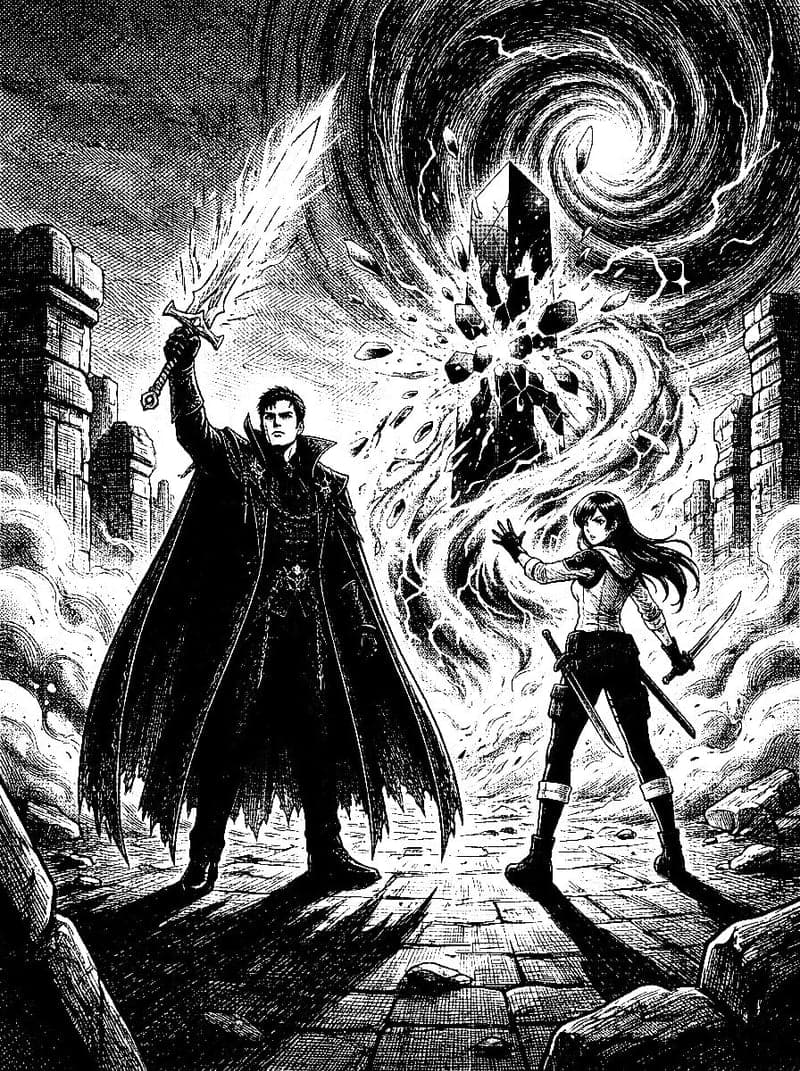
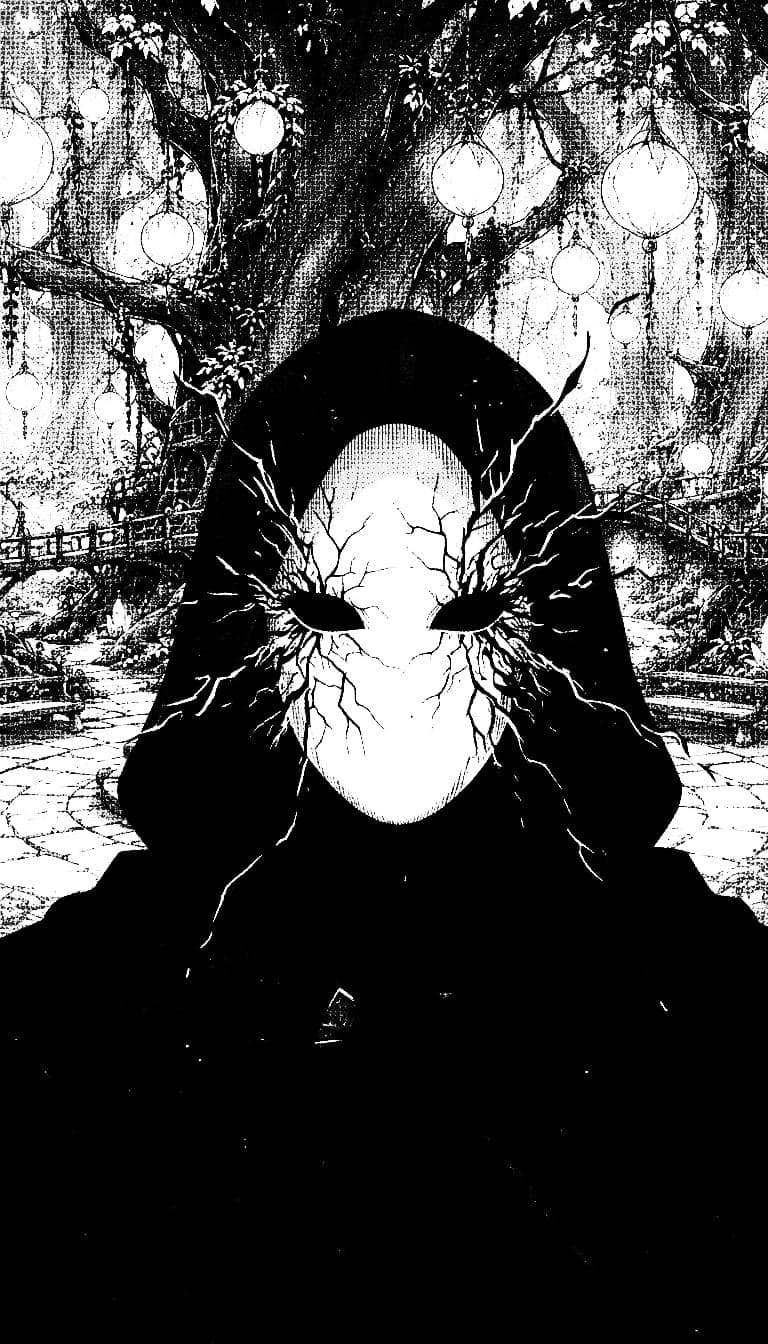
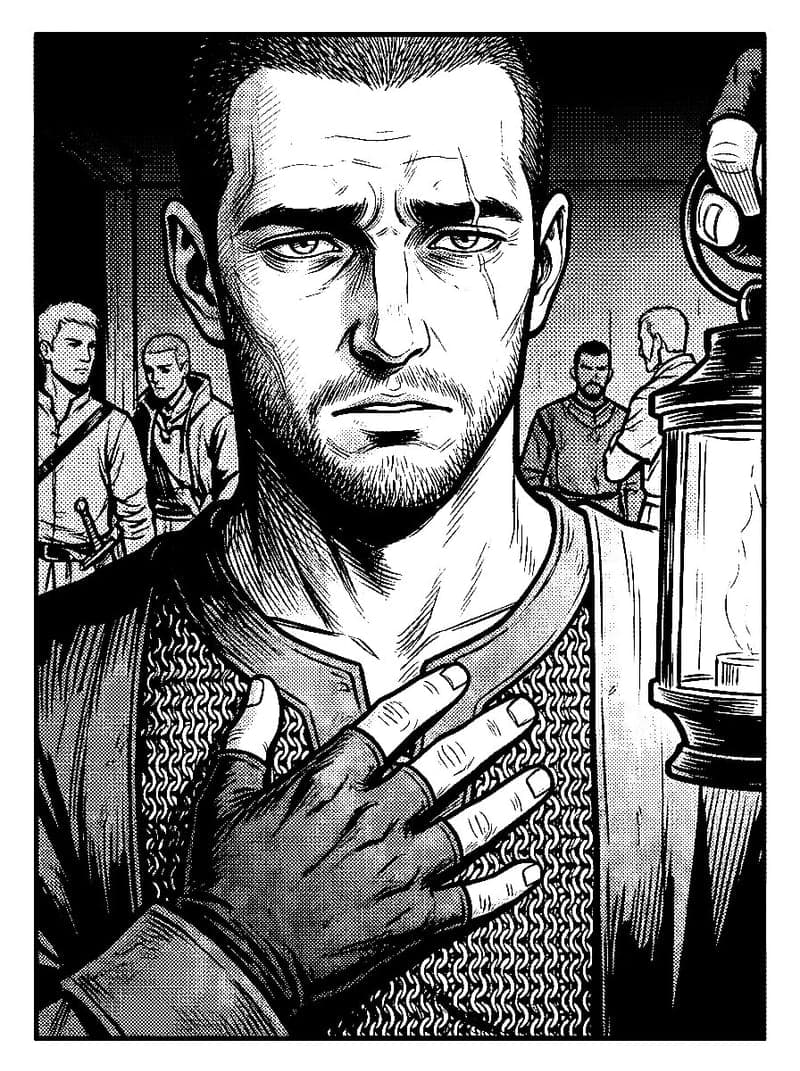
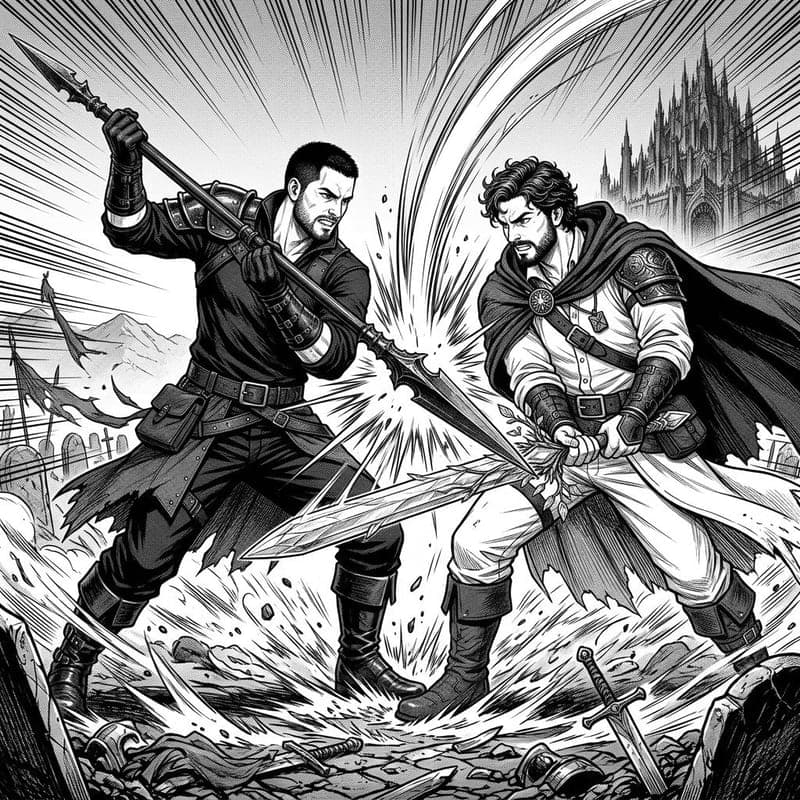
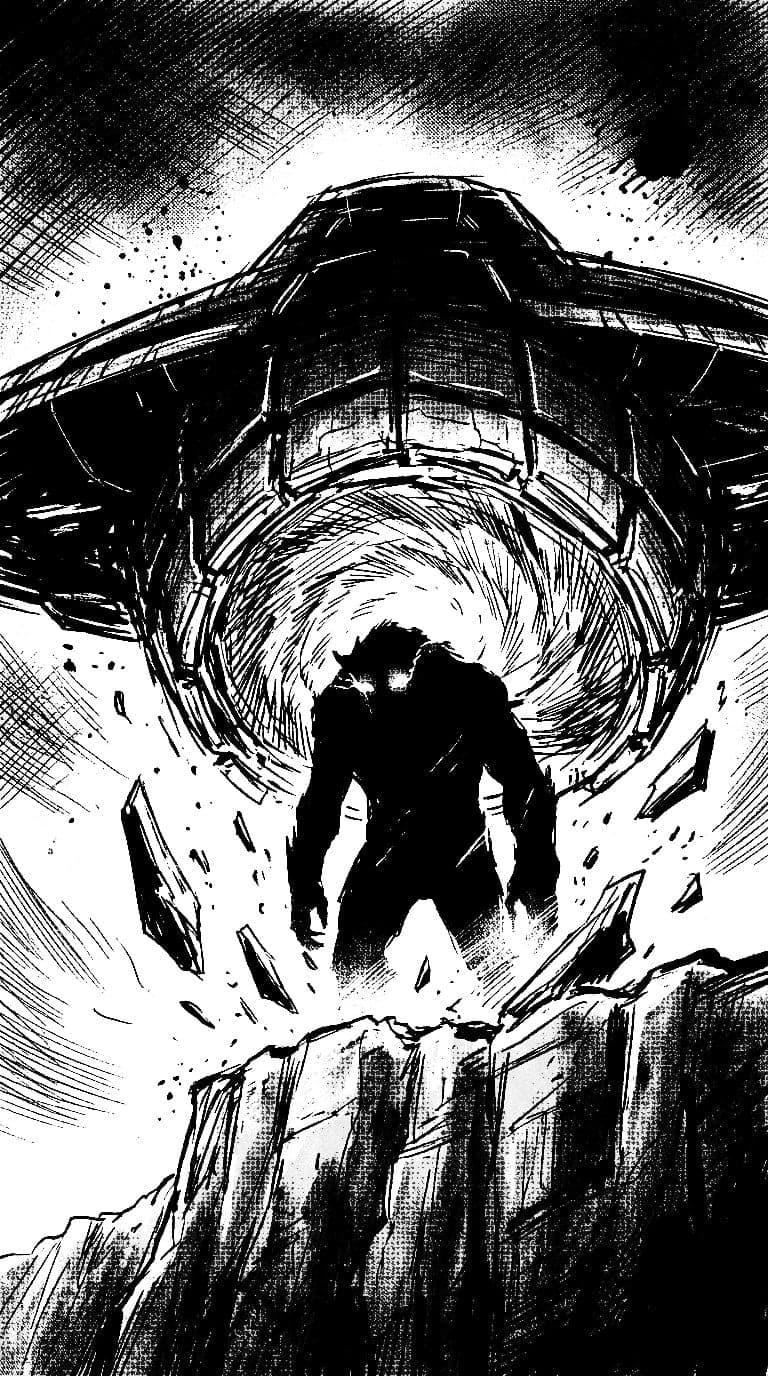
Manga panel from Tower Climbers
Manga panel from CCC
Manga panel from guru
Manga panel from CCC
Manga panel from Tower Climbers
Manga panel from CCC

Inside the editor

Unedited screenshots of the live Manga Meera editor, taken in the founder's own manga, Blind Edge.
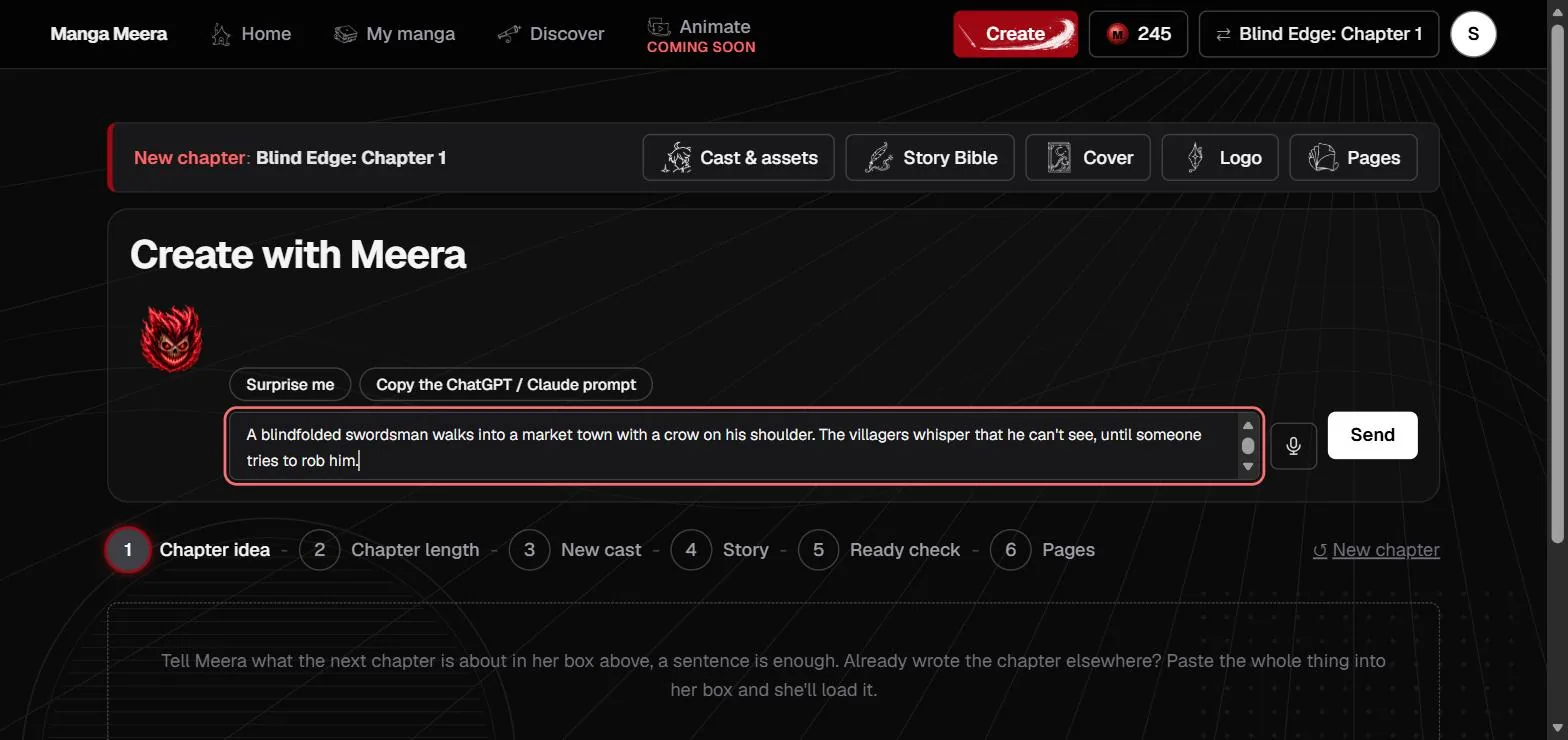
The Manga Meera editor on the Create with Meera screen for Blind Edge chapter 1, with a story idea typed into the idea box and the six chapter steps underneath: chapter idea, chapter length, new cast, story, ready check and pages
1. Tell Meera the storyYou type or paste the story idea, and Meera turns it into a chapter plan.
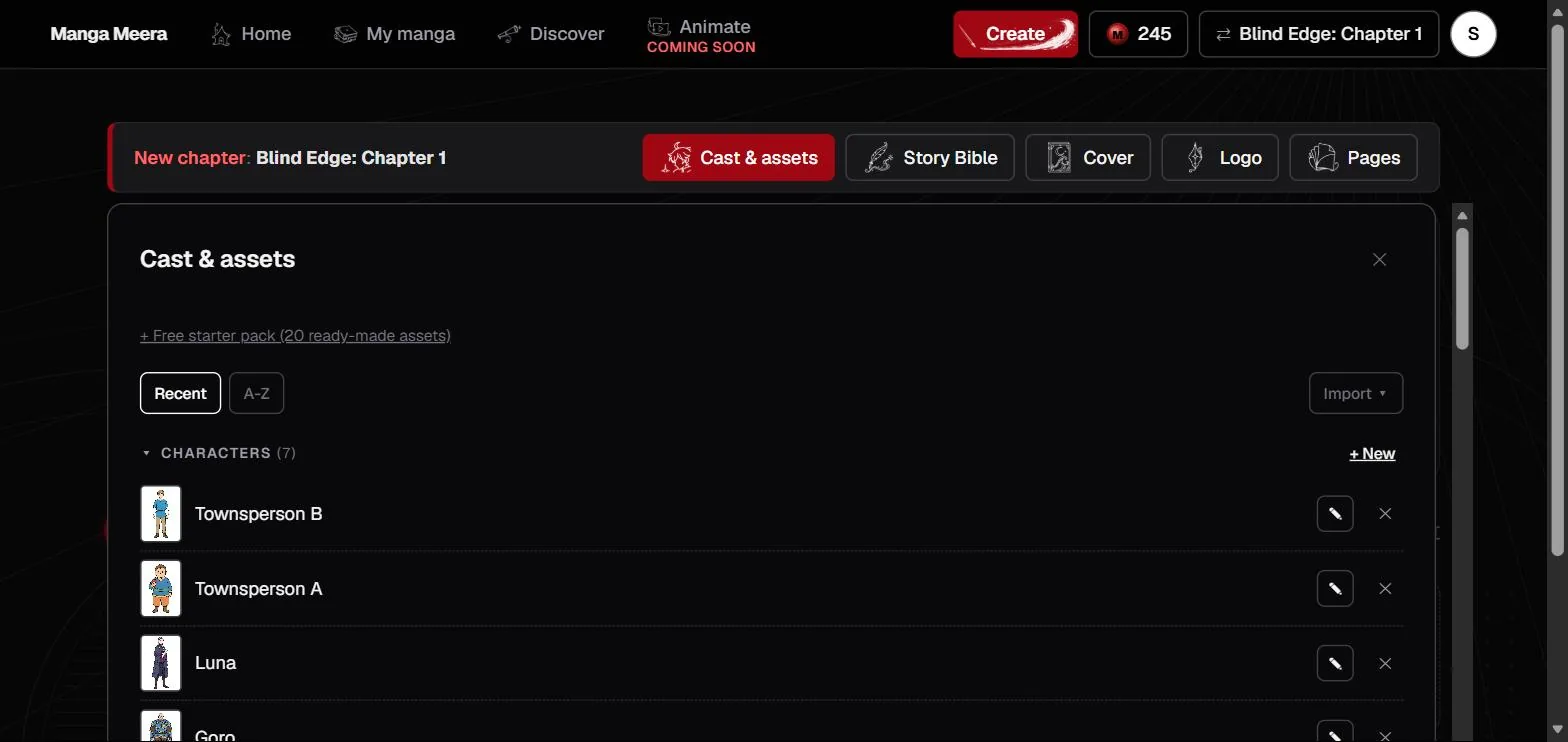
The Manga Meera Cast and assets panel open on Blind Edge, listing its seven characters with the generated reference art for each one beside the character name
2. Lock in the castYou review each character's reference art, which every panel is then drawn against.
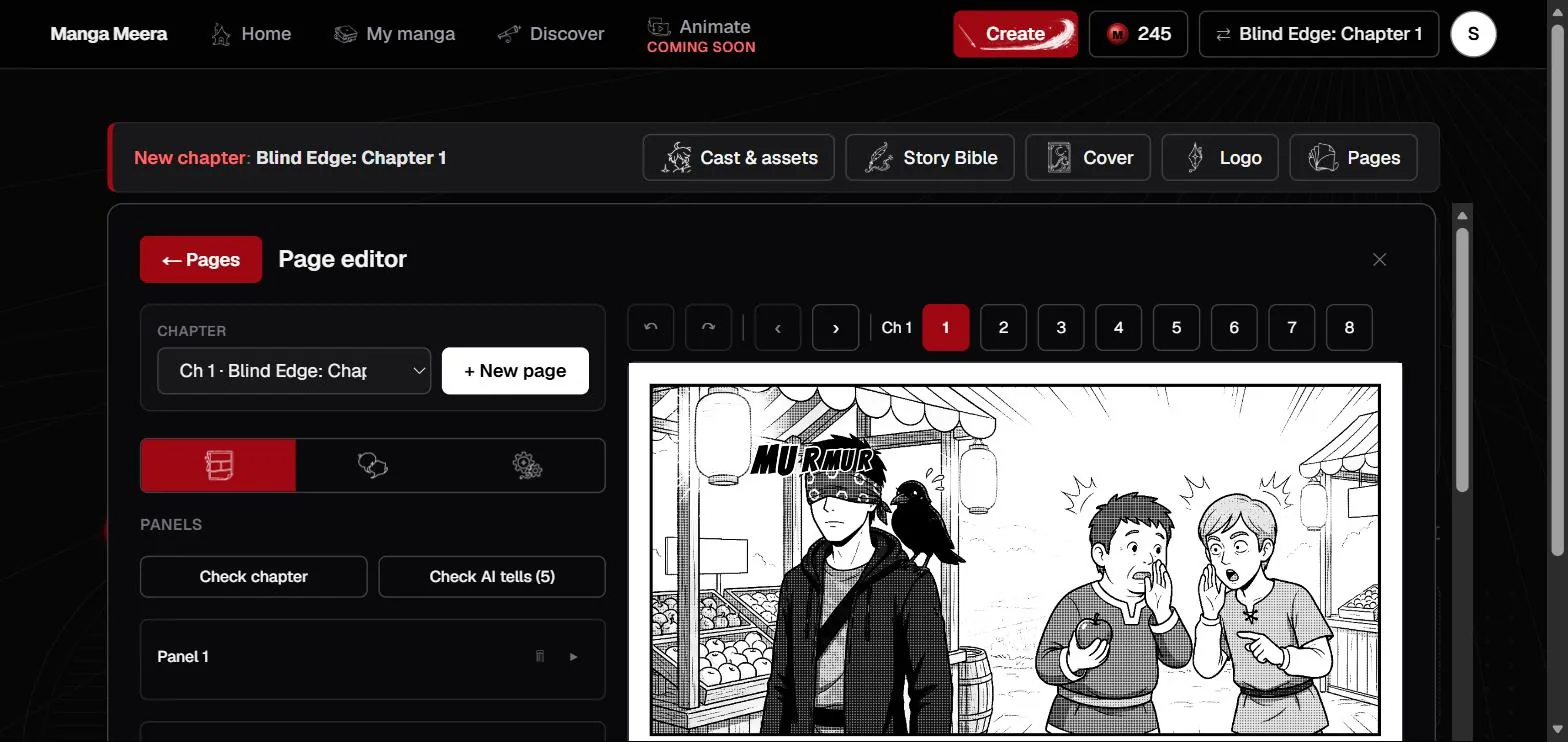
The Manga Meera page editor showing page 1 of Blind Edge chapter 1, with the chapter selector and panel list on the left, the finished lettered manga page on the right, and pages 1 to 8 selectable across the top
3. Edit the drawn pagesYou open any finished page to redraw a panel or adjust its lettering.

How it works

1

Tell Meera your story

Chat your idea, dictate it, or paste a finished story.

2

She builds your world

Meera proposes your cast, you approve each reference sheet, and she storyboards the chapter panel by panel.

3

Get a drawn chapter

Professional pages in ink or full color, lettered and ready to read, with your characters staying consistent.